In the app / owners & admins
Members and roles
3 stepsAbout 4 minutesOwner or admin
Roles are the org's permission system, and changing one is deliberately explicit: every change names what the new role can do before you commit it, and removals take effect immediately.
1
Change a role
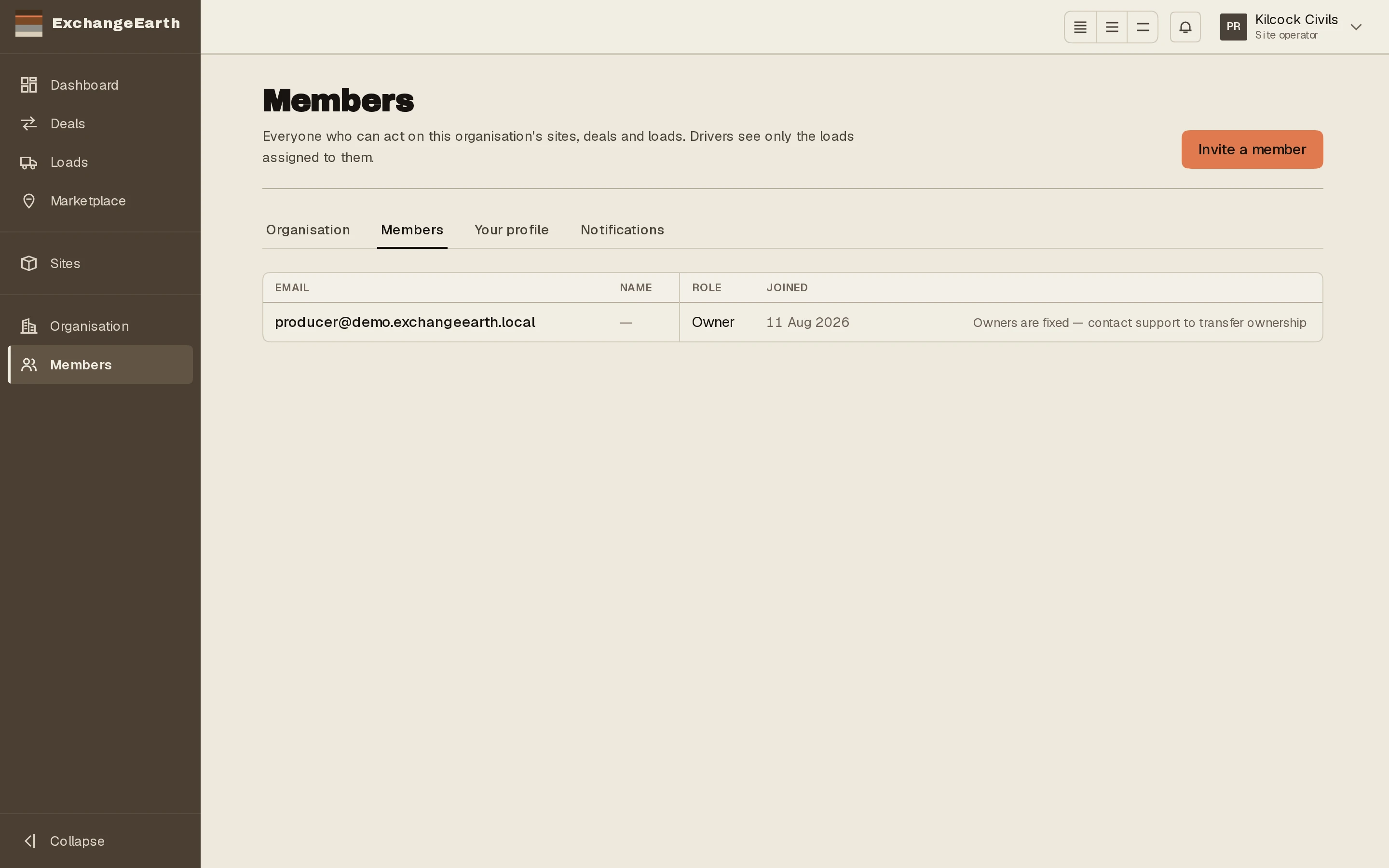
Each member row carries a role select and Change…. The confirmation states the new role’s reach in full (“Site managers work the material: sites, listings, deals and loads. No members or organisation settings.”) so nobody grants more than they meant to.
2
Remove a member
Remove ends access immediately, but their past actions stay on the record. Nothing in an append-only system is unwound by removing the person who did it.
3
Manage pending invitations
Resend reports when it was sent; Revoke kills the link. Invitations expire after seven days on their own.