In the app / owners & admins
Notifications and the horizon
3 stepsAbout 4 minutesEvery role except drivers
Two instruments watch the calendar for you: notifications record changes to anything with a date on it, and the horizon lays the dates themselves out, subscribable as a calendar feed.
1
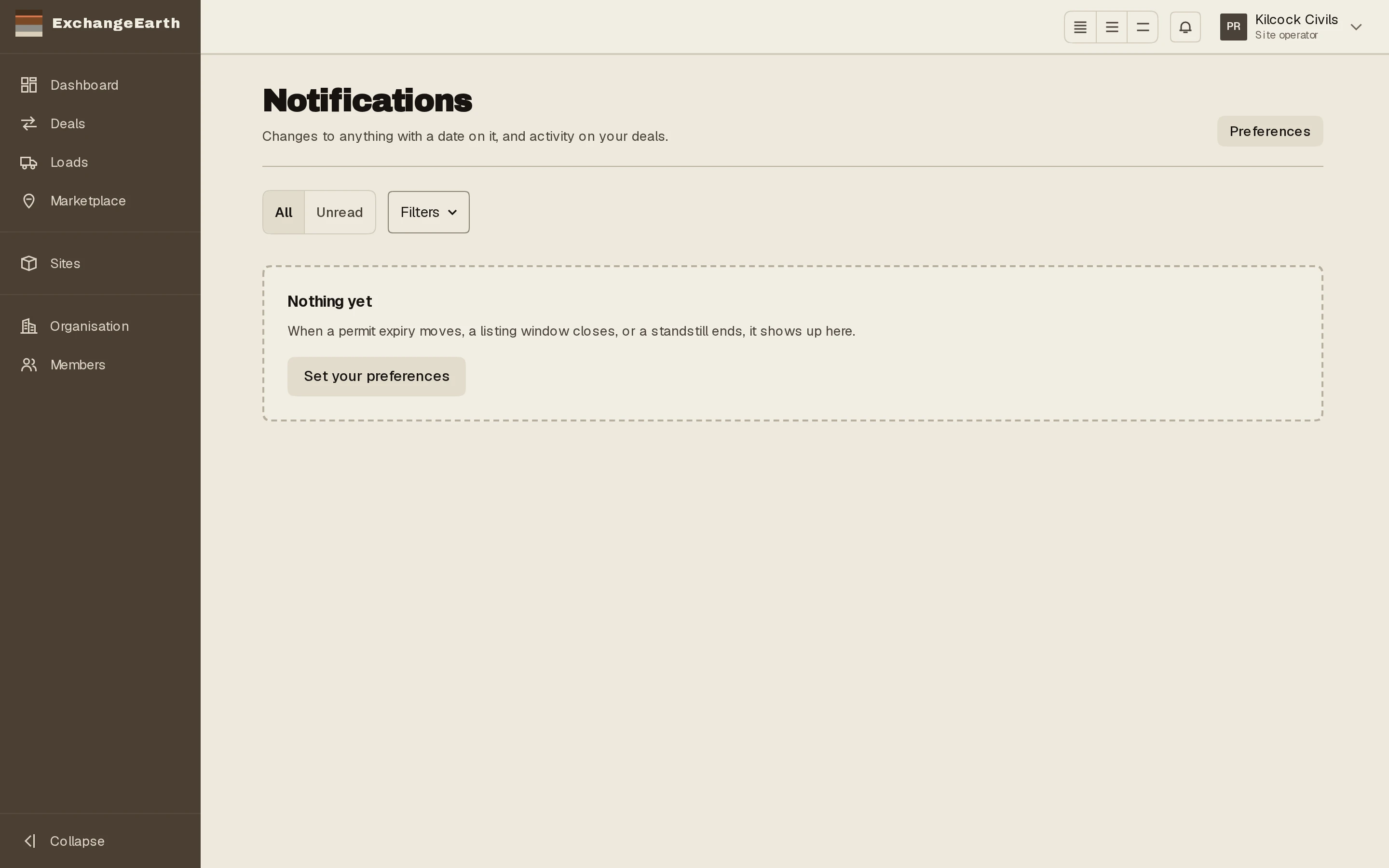
Read notifications as a register
When a permit expiry moves, a listing window closes or a standstill ends, it lands here. Rows navigate on click and mark themselves read; Mark all read clears the counter.
2
Put the horizon in your own calendar
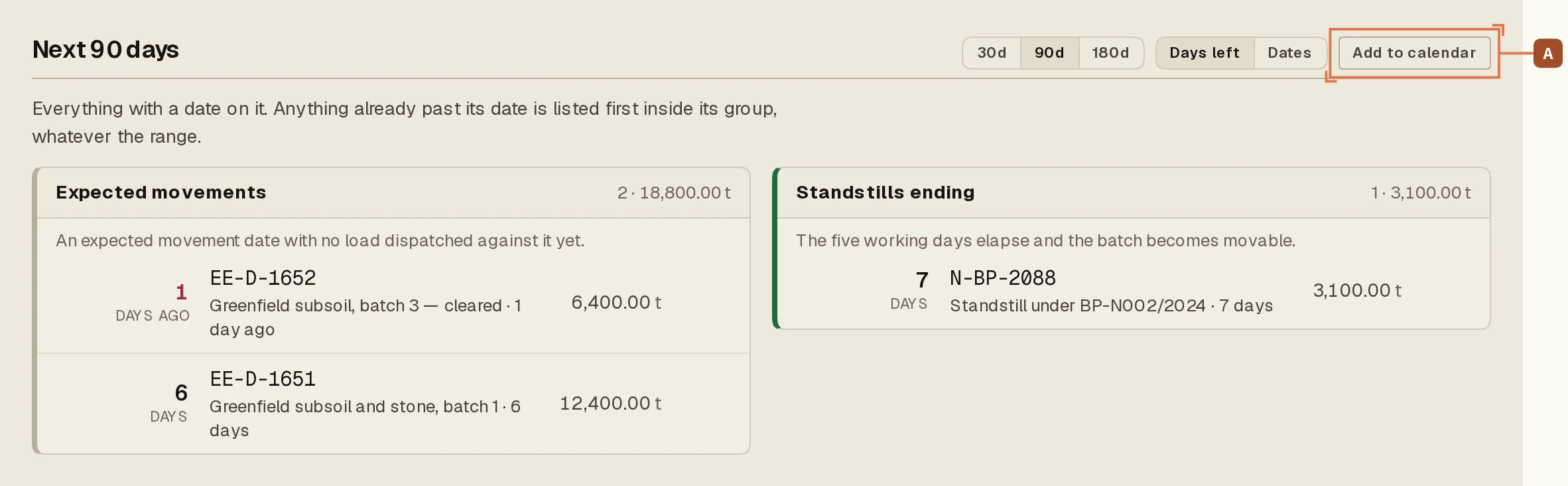
The dashboard’s horizon groups what is coming: permits expiring, windows closing, movements expected, standstills ending. Add to calendar A subscribes your calendar app to the feed; each row also offers a single-event file. Re-importing is safe, because events keep stable identities.
3
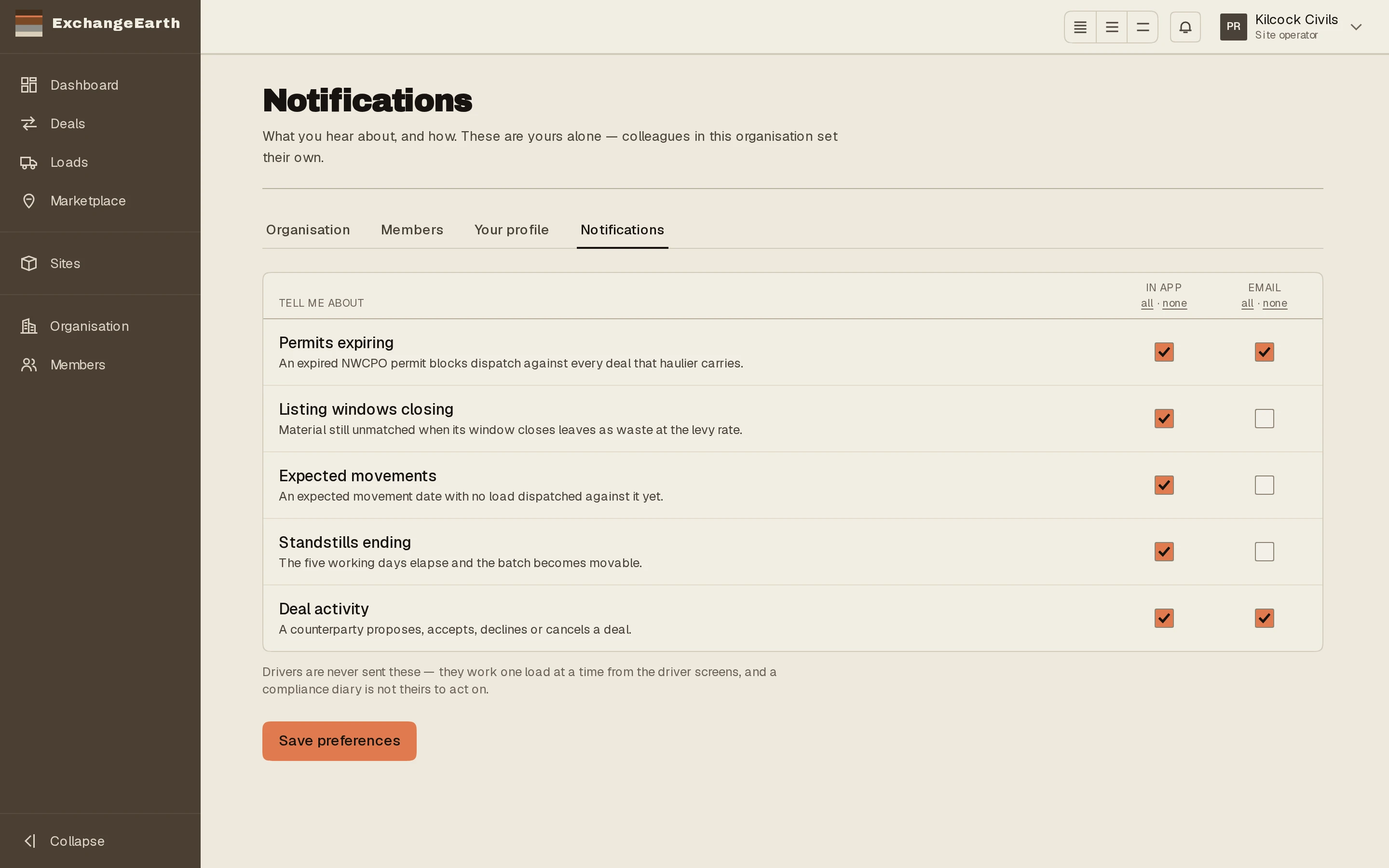
Tune your own delivery
Settings → Notifications is personal: colleagues set their own. Drivers have nothing to configure; their loads reach them regardless.