In the app / drivers
Accept a load
3 stepsAbout 2 minutesDriver
My loads is the whole app for a driver: what is open for you, what you hold, what you have delivered. Each card is one big target, and the coloured band on it names your next action.
1
Find the load
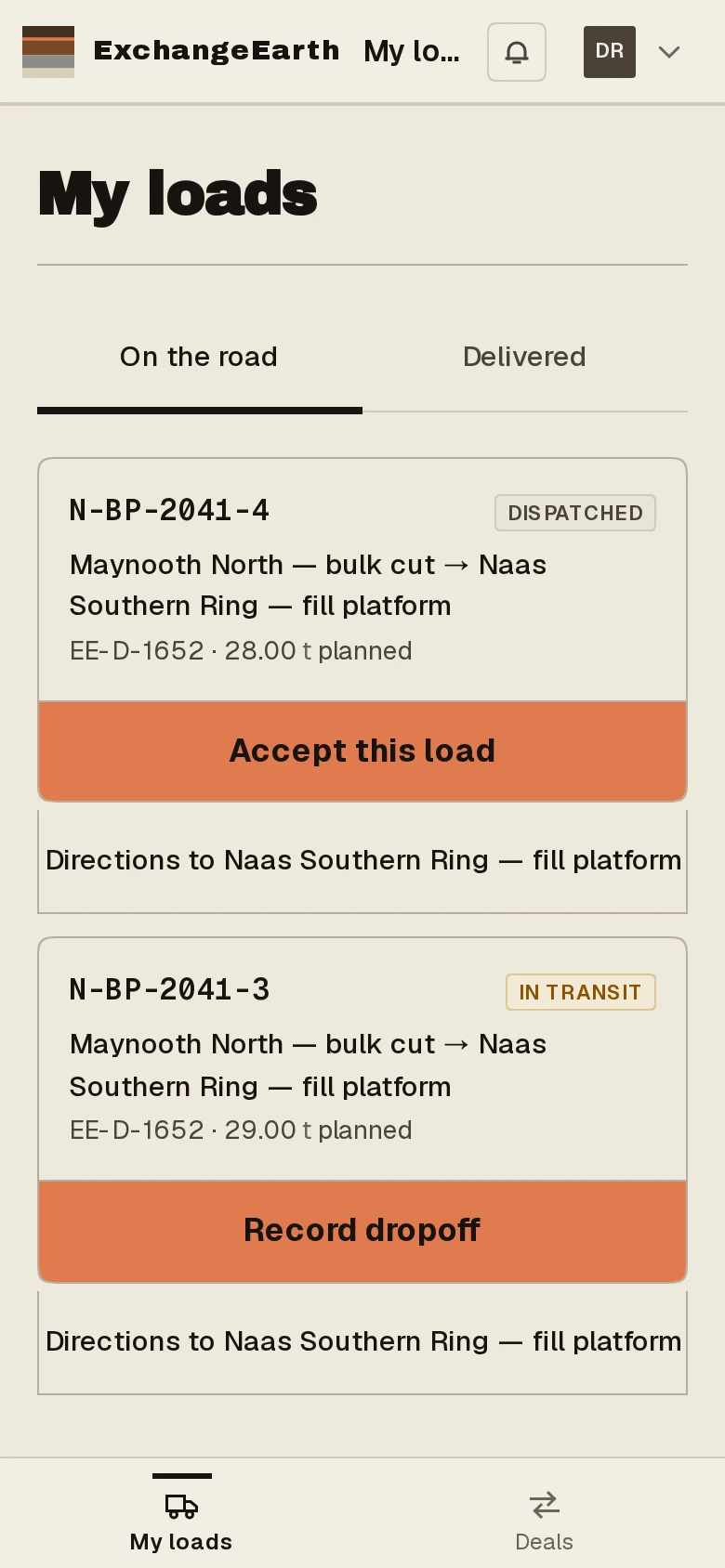
On the road lists loads open for your organisation and loads you hold. The card carries the reference, source → destination with Eircode, the deal and tonnes, then the action band: Accept this load. A separate Directions link opens the maps app.
2
Check the papers, then accept
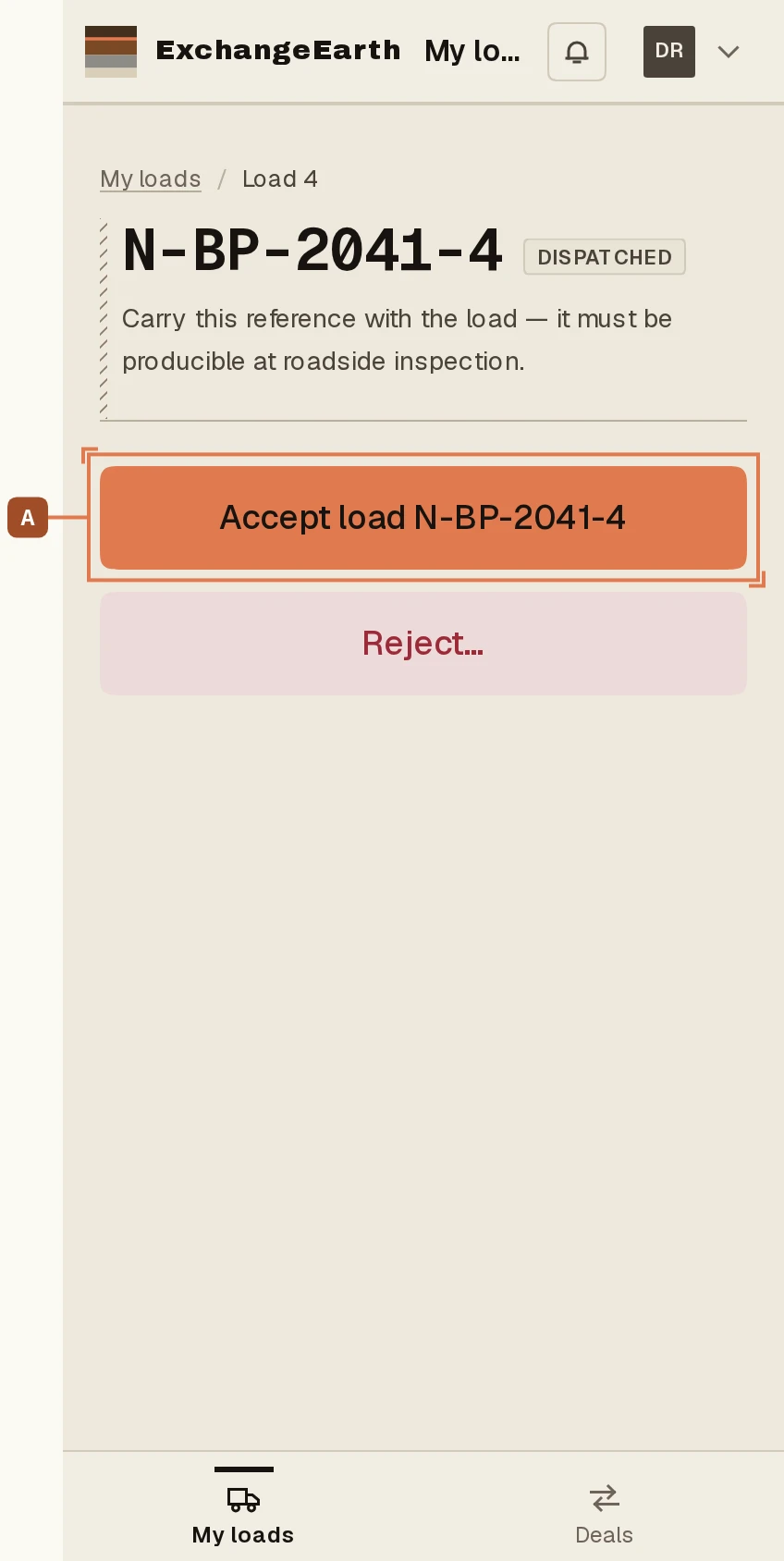
The load screen opens on Papers for this load: the Statement of Conformity and the e-ticket, the documents to produce at a roadside inspection. Then A: Accept load with the reference on the button. Wrong truck, wrong day? Reject takes a reason and hands the load back.
3
Accepted is on the record
Acceptance is the first event you write into this load’s chain of custody. The success screen offers Continue to record pickup, the next guide.