In the app / drivers
Record a dropoff
3 stepsAbout 3 minutesDriver
The dropoff closes the load: the receiver's name and signature, a GPS fix, done. Their signature is the last entry in the chain of custody, so get the person who actually took the material.
1
Hand the phone over
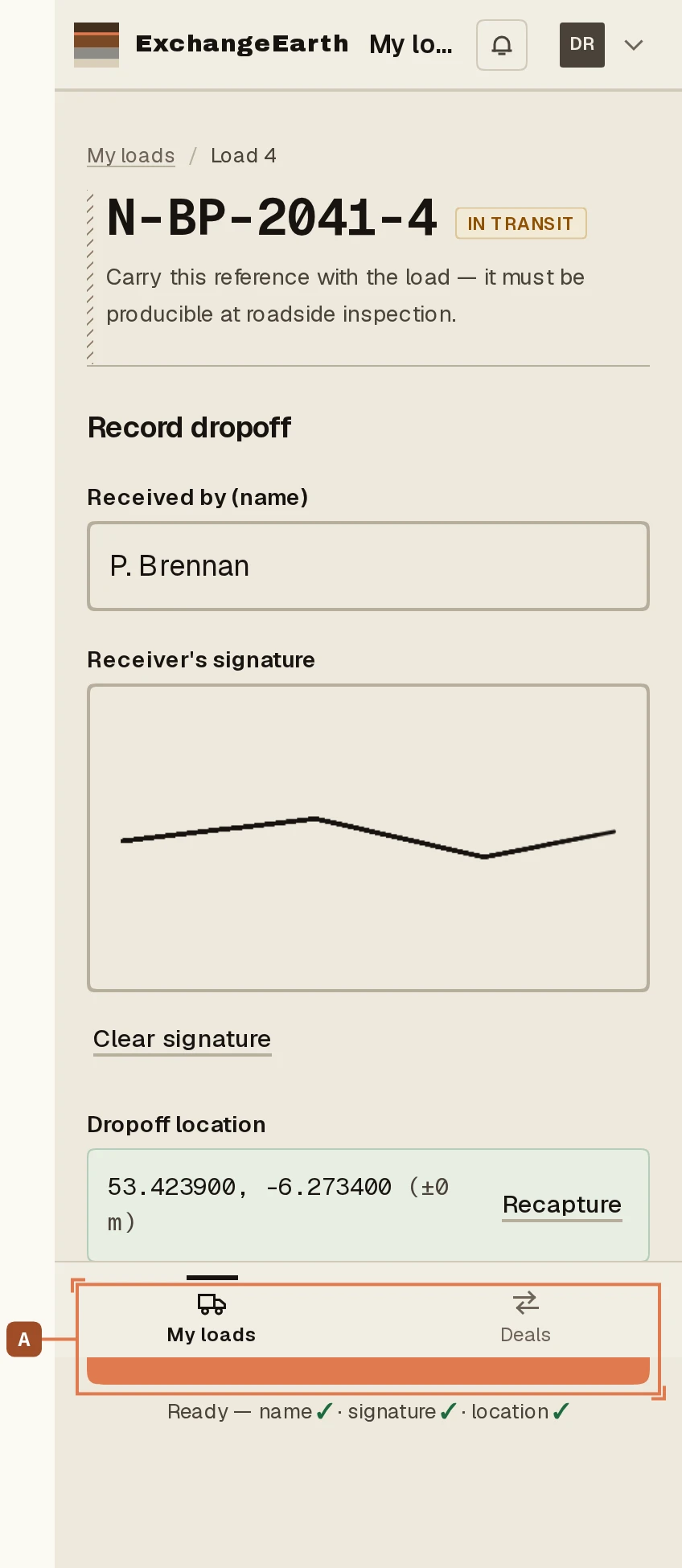
From the card’s Record dropoff band: Received by takes the receiver’s name, and the signature box takes their finger, not yours. Clear restarts a bad one.
2
Location, then record
Capture GPS location at the tip, then Record delivery. Same offline promise as the pickup: press it once, it applies exactly once.
3
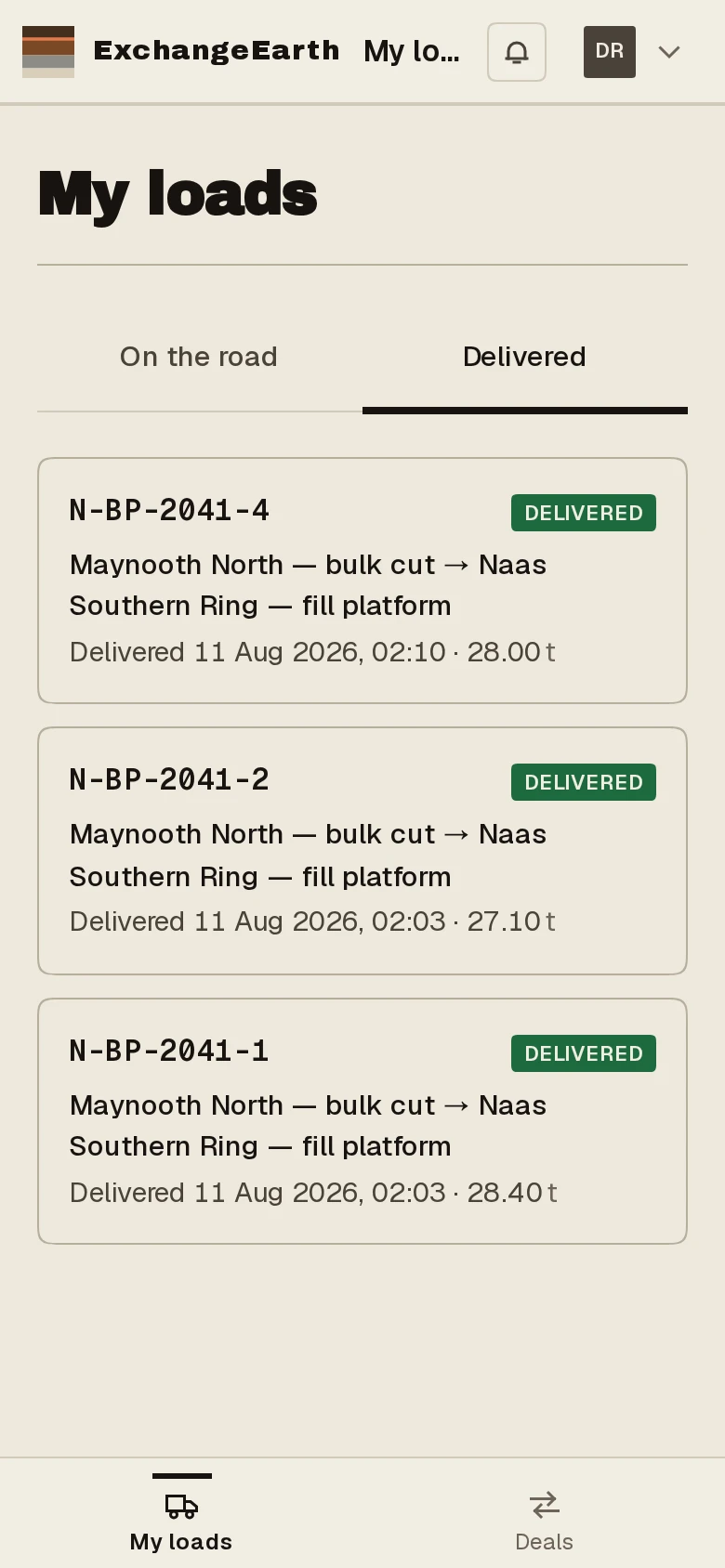
Delivered, and yours to look back on
The load moves to your Delivered tab, your own history, with every record you created intact.