In the app / drivers
Record a pickup
3 stepsAbout 3 minutesDriver
The pickup capture is three facts: how much, what it looks like, where you are. The button stays grey until all three are in, and poor signal never loses the record.
1
Open the capture
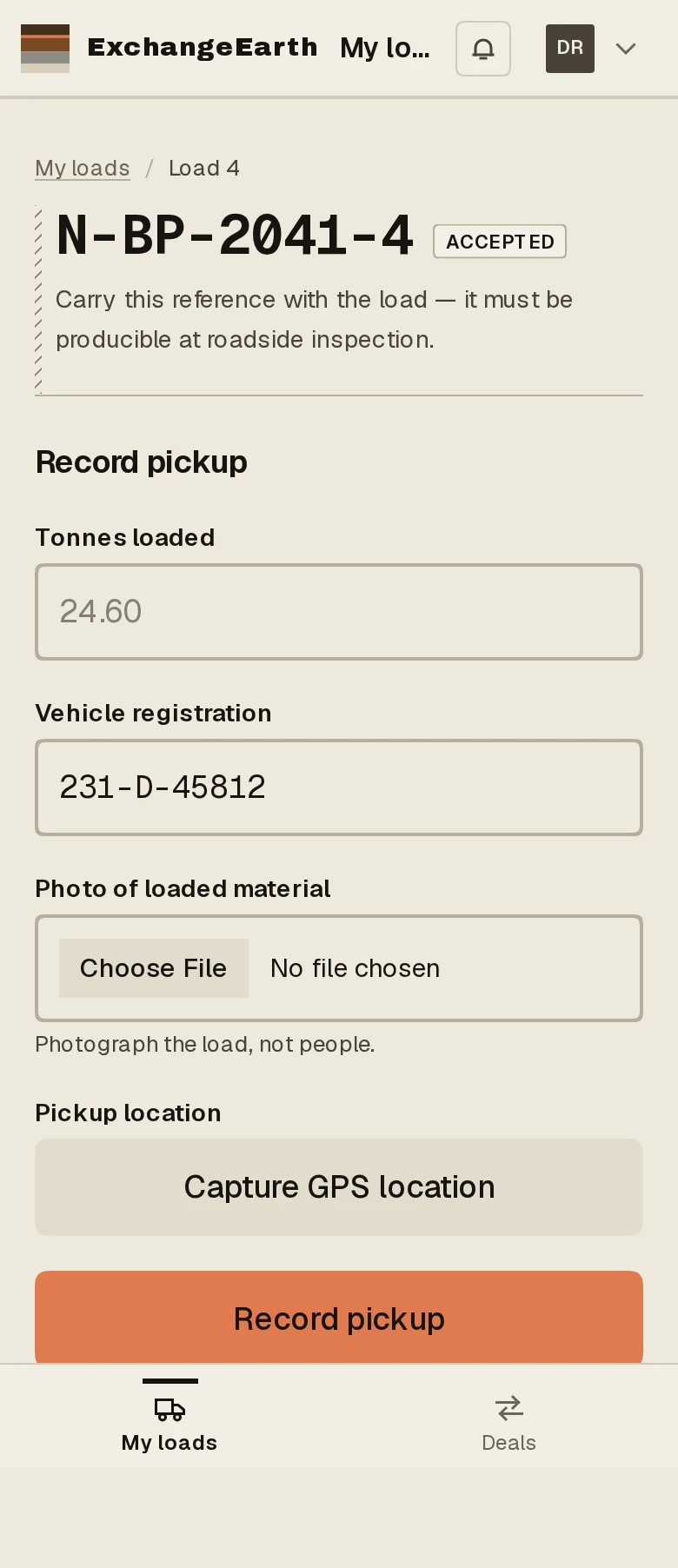
From the card’s Record pickup band, the form asks for tonnes loaded and the vehicle registration. The reg carries over from dispatch, so correct it if the truck changed.
2
Photo, then location
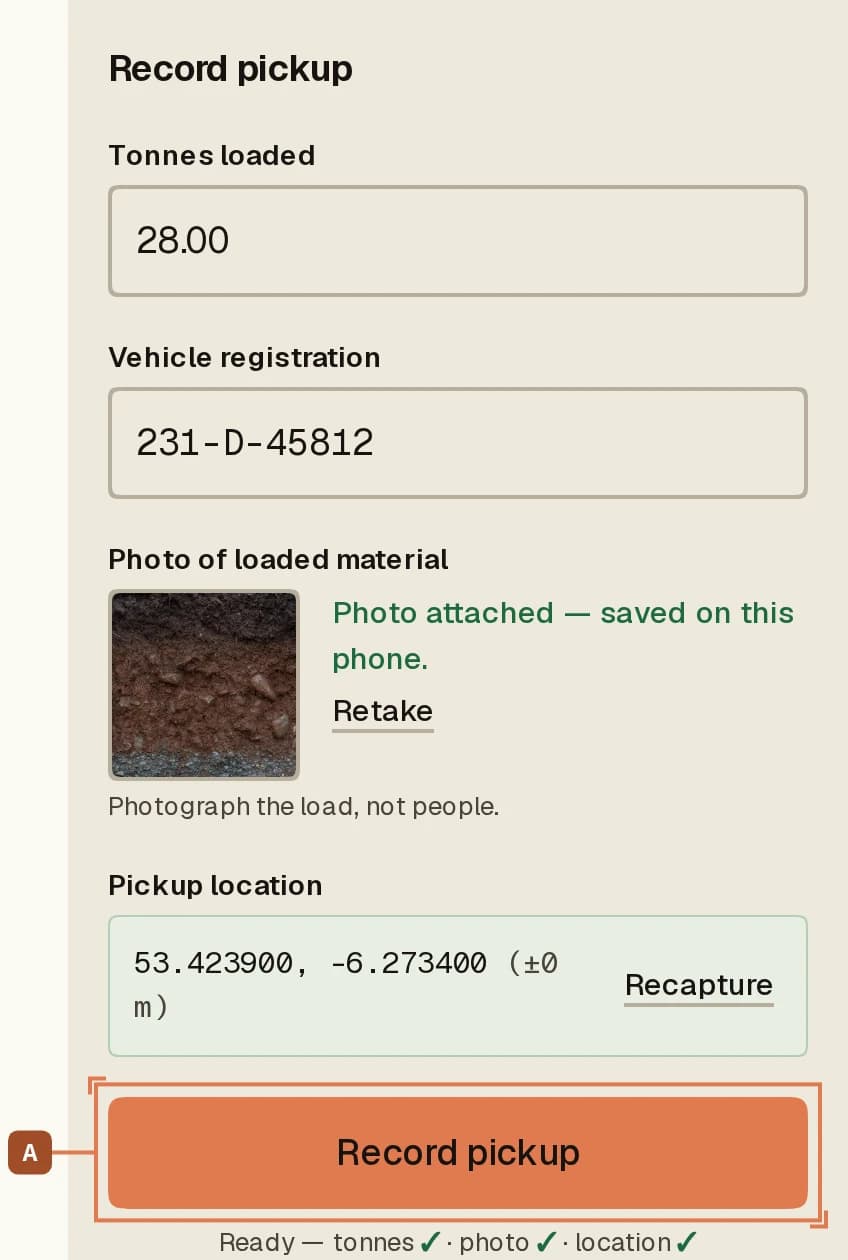
Photo of loaded material opens the camera. Photograph the load, not people. Then Capture GPS location. The readiness strip ticks off tonnes, photo and location, and Record pickup A unlocks when all three are in.
3
Press it once, signal or none
No coverage at the pit? Keep going: the draft lives on the phone, and when you press the button the record applies exactly once when coverage returns. If an earlier attempt already got through, the app says so, and nothing is duplicated. The success screen hands you Directions to the destination.