In the app / the destination side
Receive loads, and fail one that is wrong
3 stepsAbout 5 minutesOwner, admin or site manager
Loads bound for your site appear in your register the moment they are dispatched. Most arrive and complete without you touching anything; the register exists for the ones that don't.
1
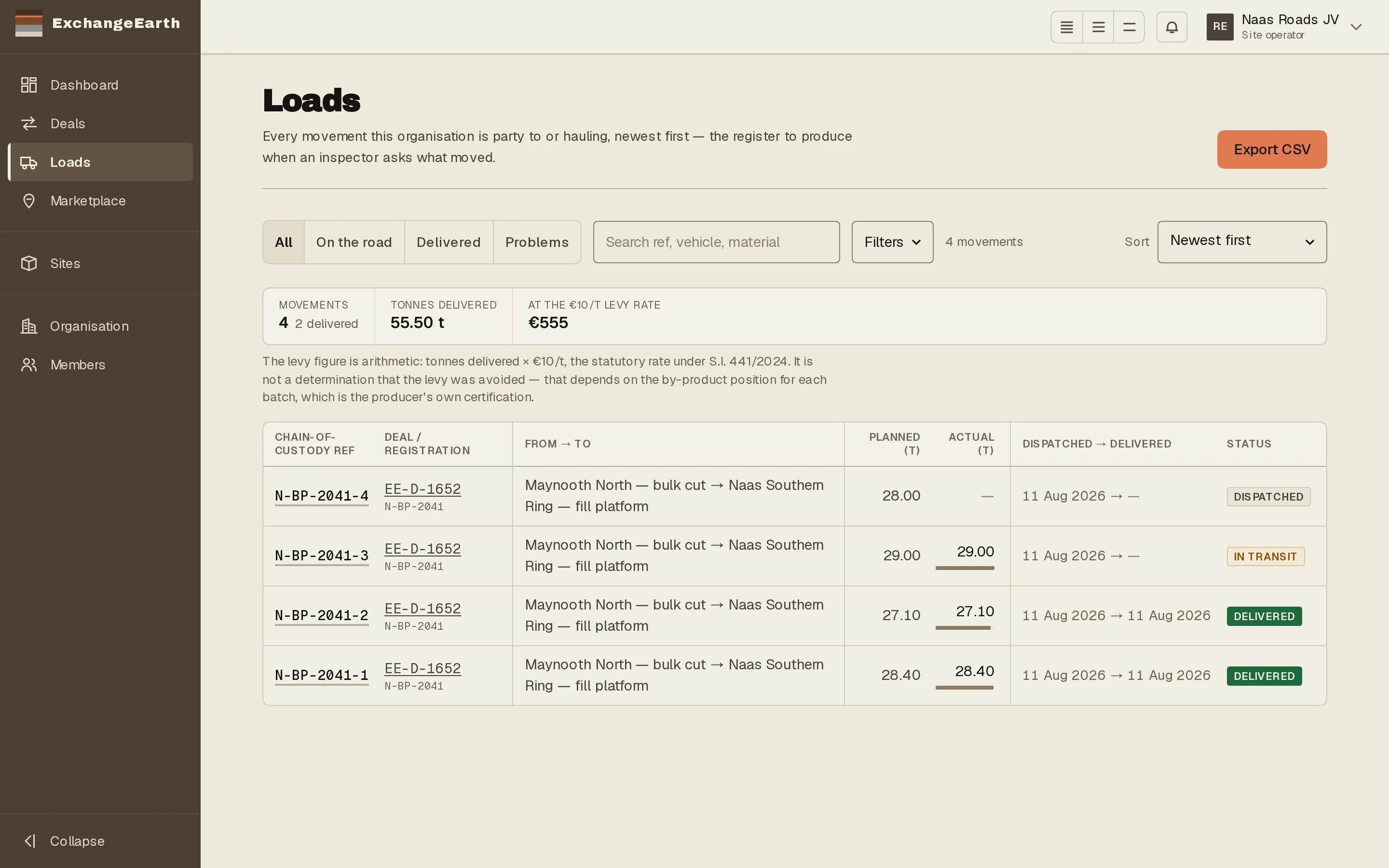
Watch On the road
Loads scoped to On the road is everything dispatched and not yet delivered. Nothing to do here, since the driver holds these, but the vehicle reg, planned tonnes and reference are all visible before the truck arrives.
2
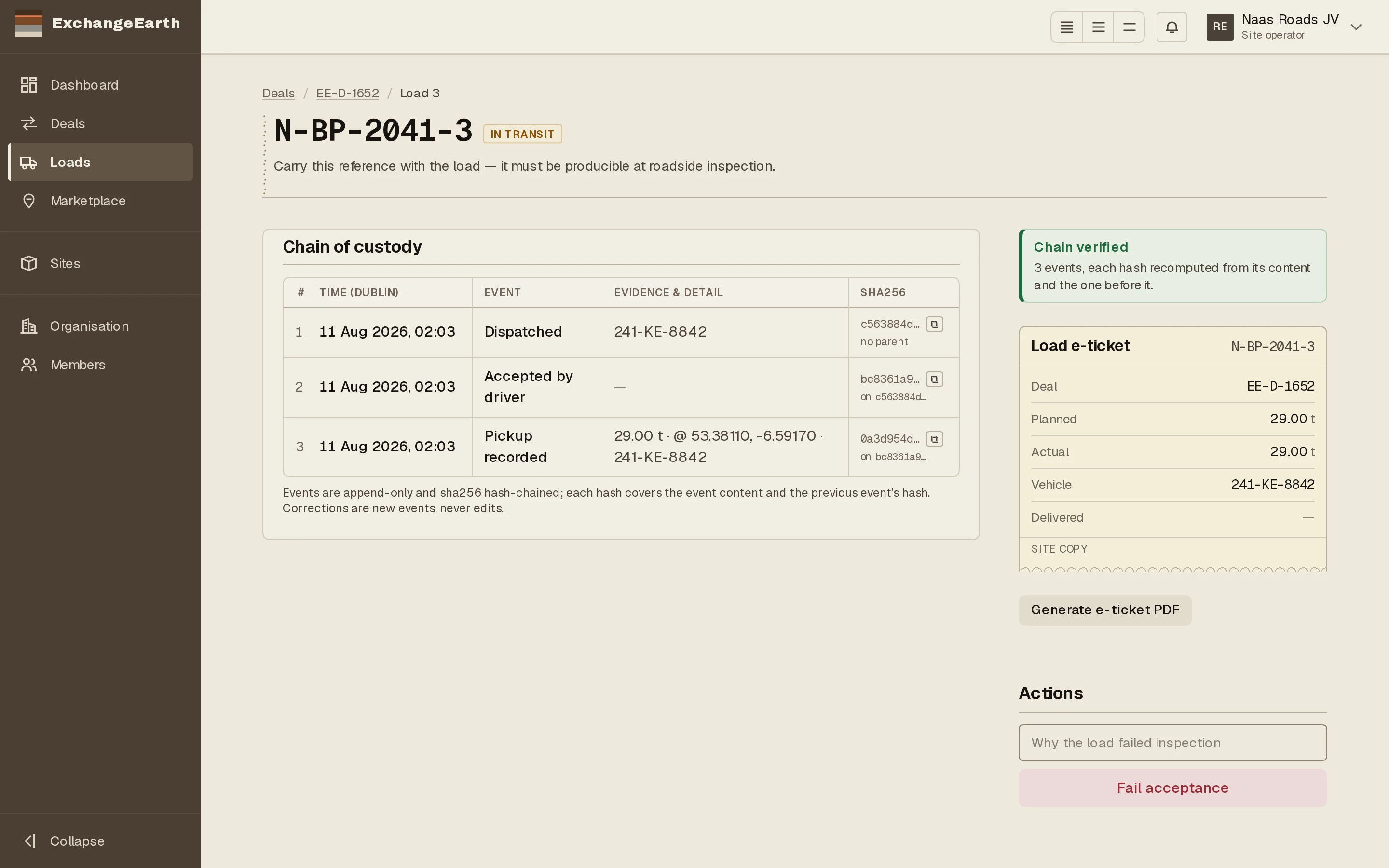
If what arrives is wrong, fail it while it is live
A load that fails your inspection, whether wrong material or wrong batch, is failed from its record: Fail acceptance, available while the load is picked up and not yet delivered. The reason is required, and the confirmation means it: the material is quarantined pending resolution.
3
Signature at the tip is the delivery
The driver’s dropoff capture (your person’s name and signature, plus a GPS fix) is what completes the load. Whoever meets trucks at your gate should know their signature is the closing entry in the chain of custody.