Skip to content

In development, launching soon

In the app / the source side

Propose and agree a deal

4 stepsAbout 5 minutesOwner, admin or site manager

One deal is one batch: one producing site, one receiving site, one material. The deal page's turn banner always says whose move it is, and most of running a deal is reading it.
1

Create the draft

New deal starts with your side: your role in this deal (source or destination, which filters which of your sites can be offered), your site, then the counterparty’s work email A, the material, and who pays whom. If placement works are part of the supply, tick the box that says so. Placement-inclusive supplies have a different VAT treatment and cannot use self-billed invoicing.
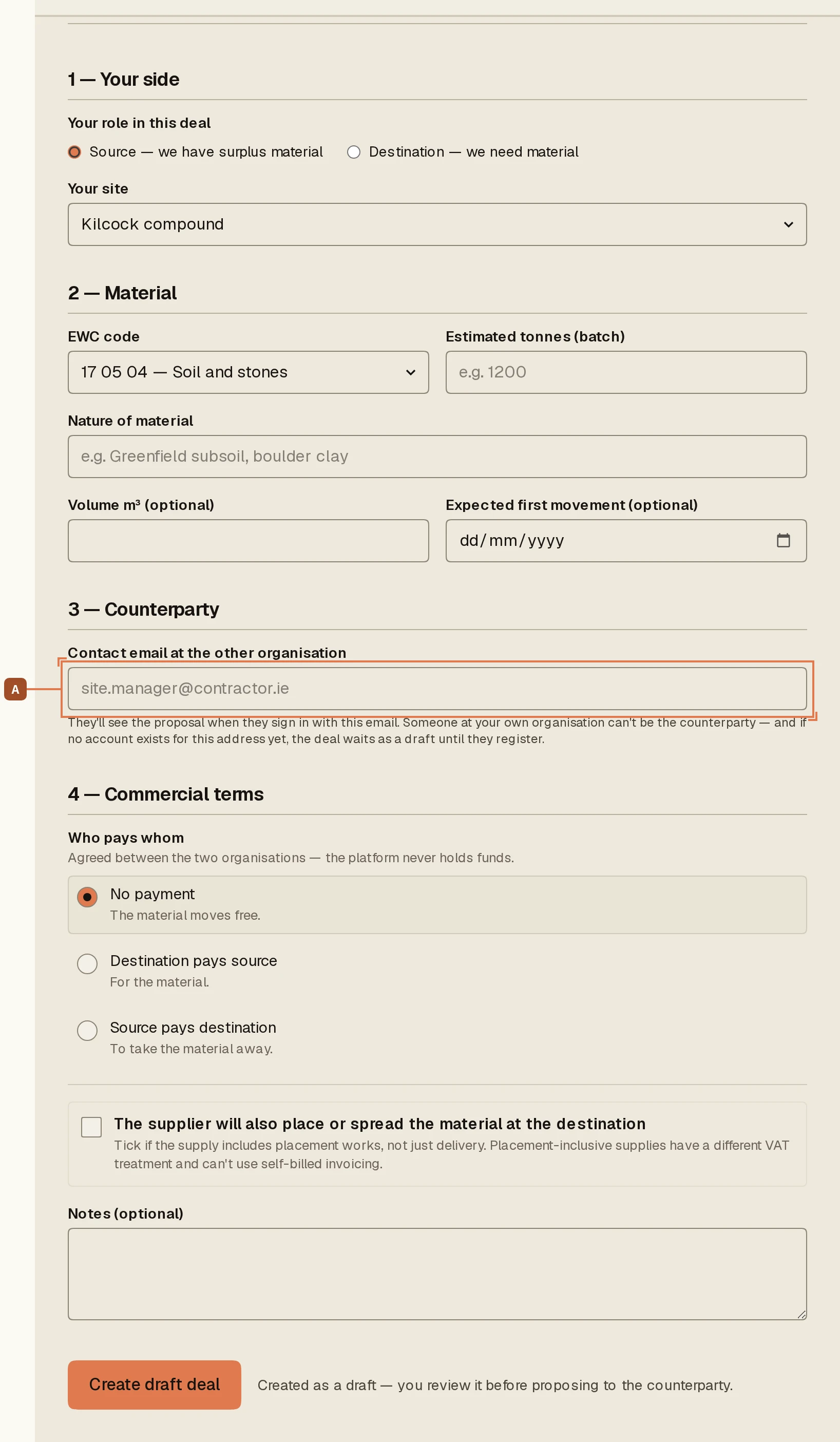
The deal form. The counterparty email (A) is who the proposal goes to.
2

Propose it

A draft is private to you. Propose to counterparty A puts it in front of them; you can Withdraw proposal any time before they answer.
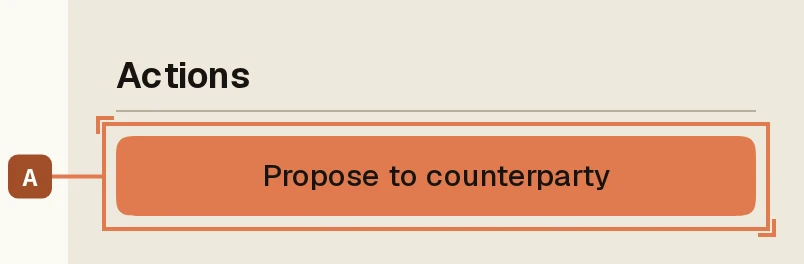
The actions panel on a draft. Propose (A) is the move that starts the clock.
3

If they are not on ExchangeEarth yet, invite them

If the counterparty email is not a registered account, the propose control is replaced by Invite them to ExchangeEarth. The deal waits, attached to their email, and completes when they register. Mistyped the address? Correct it right there.
4

Read the turn banner while you wait

A proposed deal shows exactly where it stands: proposed by you, waiting on them. When they accept it against one of their sites, the deal becomes agreed, the timeline records both moves, and the compliance track opens.
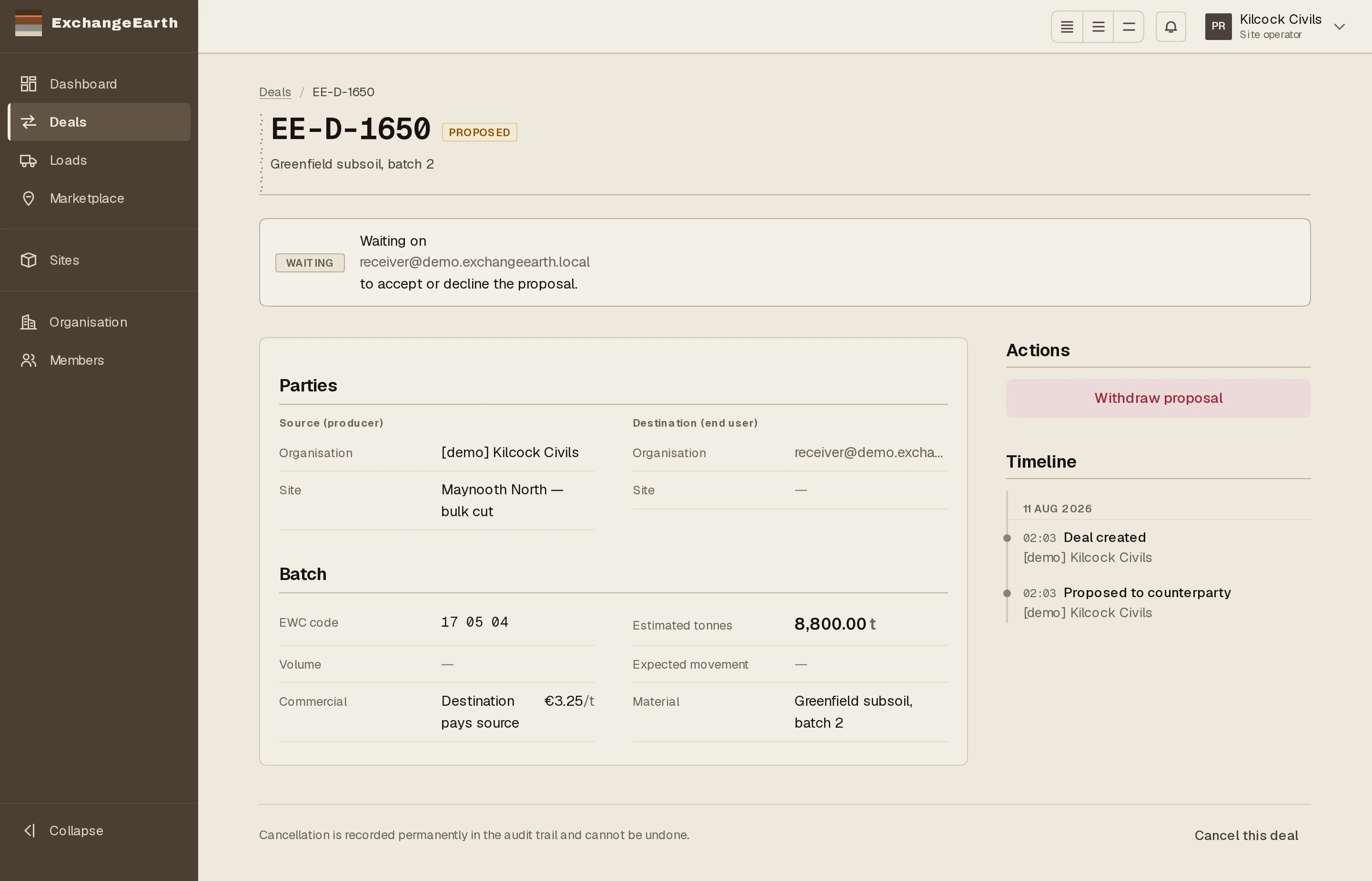
A proposed deal, producer's view: the banner names the move and whose it is.

What happens next: Agreed is not movable. The gate on movement is the compliance track.

  • List surplus material

    Put a batch on the marketplace: site, EWC code, tonnes and window. Matching starts reading it the moment you publish, and the same form, flipped, posts a material-needed listing.

  • Start a deal from the marketplace

    Browse the open market or your matches, and convert a listing into a deal with one counterpart. Converting is permanent: the listing leaves the market.

  • Run the BP-N002 compliance track

    Eligibility, the signed End User Declaration, registration on EDEN, the five-working-day standstill and the Statement of Conformity, in the order the criteria require.

  • The single-case route

    If the batch fails a national criterion, the fallback is a single-case Article 27 notification on EDEN: record the submission, wait for the EPA's determination, record the outcome.

  • Dispatch a load

    One truck at a time, from the deal: planned tonnes, vehicle reg, and a verified haulier, or your own vehicles with the self-haul acknowledgement.

  • Accept your self-billed invoice

    Under self-billing the buyer draws up your invoice; it becomes issued when you accept it. Accept, dispute, or let the fourteen-day window run.